
Getting Started
Your First Worktree
Create a worktree, open it, and start working in isolation
A worktree in Supacode is a real git worktree backed by its own branch and directory. It gives you a clean place to run an agent, a dev server, or a one-off fix without touching your other branches.
Create one
- Press ⌘N
- Or use the repository actions in the sidebar
- If prompted, choose a branch name and base ref
- If not prompted, Supacode creates a worktree with a generated branch name
What happens after creation
A newly created worktree is:
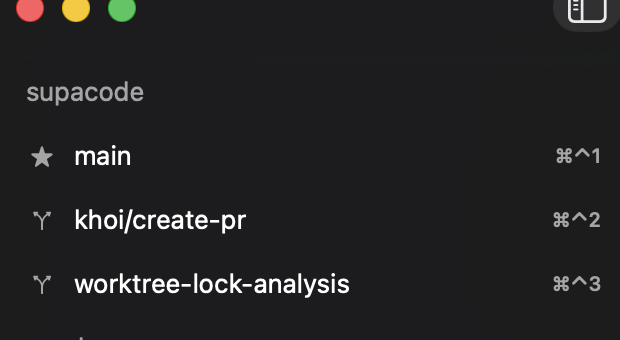
- added to the selected repository in the sidebar
- created under
~/.supacode/repos/<repository-name>/ - selected automatically
- given its own terminal state
- eligible to run the repository's setup script once
What to do next
Most first sessions look like this:
- Open the worktree in your editor with ⌘O
- Let the initial terminal open
- Run your agent or dev command
- Configure repository commands if the workflow will repeat