
Tips
Small workflow choices that make Supacode much more effective
Give worktrees real names
Supacode can create worktrees quickly with generated branch names. That is great for speed, but branch names become your mental map when several worktrees are alive at once.
Use one of these approaches:
- Enable prompted worktree creation so you name the branch up front
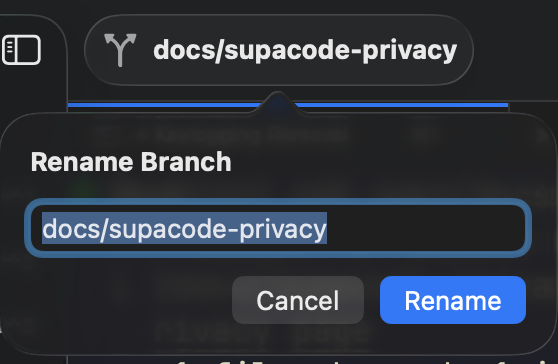
- Rename the branch from the title bar after creation
- Teach your agent to rename branches before it starts working
Click the branch name in the toolbar to rename it without leaving the app.
Auto-start your agent
Repository setup scripts are the cleanest way to make every new worktree boot into the same workflow.
Examples:
codexclaude --dangerously-skip-permissions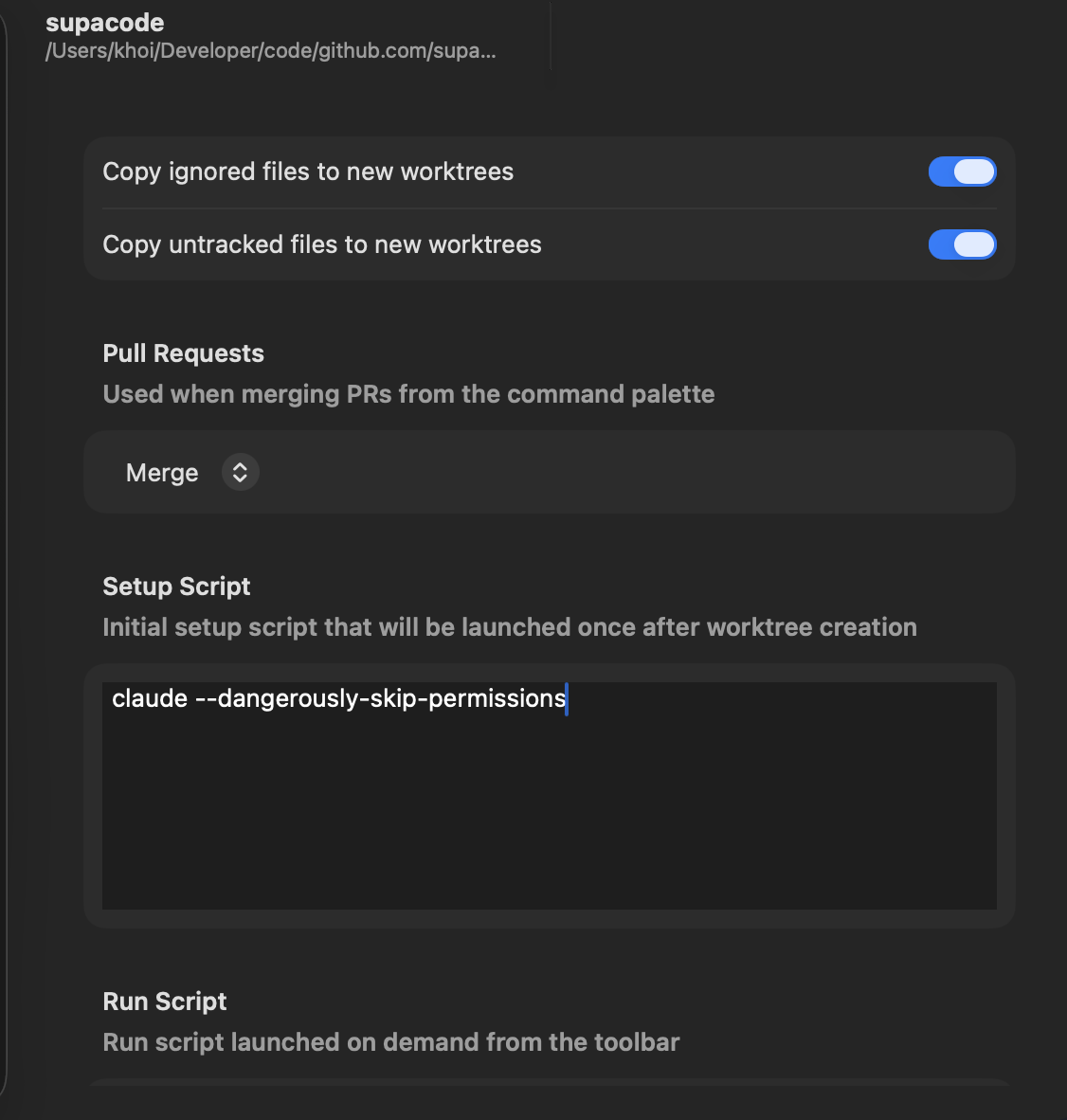
Use Run Script for the one command you repeat
If you keep typing the same command in every worktree, put it in Repository Commands instead of relying on shell history.
Good examples:
pnpm devpnpm test --watchbin/rails servercargo test
Archive aggressively
Delete removes the worktree directory. Archive only hides the worktree from the active list.
If you are not sure whether a branch is truly done, archive it first and come back later.
Let Ghostty own terminal customization
Supacode embeds Ghostty. If you want different terminal colors, fonts, or terminal-level keybindings, change your Ghostty config instead of looking for a parallel terminal settings layer inside Supacode.
Let your agent rename branches automatically
Add this to your AGENTS.md (or CLAUDE.md, .cursorrules, etc.):
Before you go on your task, check the current git branch name,
if it's something generic like an animal name, name it accordingly.
Do not do this for main branch.
That keeps agent-created worktrees legible without slowing down fast creation.