
Repository Commands
Configure repeatable per-repository commands for running, setup, and archive
Repository Commands is where you define the commands Supacode should reuse for a specific repository.
It combines the three repeatable command surfaces that matter most during a worktree's lifecycle:
- a reusable run command
- a setup script for new worktrees
- an archive script for worktrees you are putting away
Run script
Use the run script for the one command you come back to over and over in a repository.
Good examples:
npm run devpnpm test --watchbin/rails servercargo test
Supacode launches the run script in a dedicated terminal tab titled RUN SCRIPT.
If a run-script tab is already active for that worktree, Supacode closes it before starting a new one. Use ⌘R to launch it and ⌘. to stop it.
Setup script
The setup script launches once after a new worktree is created.
Good setup scripts:
- start your coding agent
- install dependencies
- generate local artifacts
- boot a local service you always need
Example:
codexOr:
pnpm install
pnpm prisma generate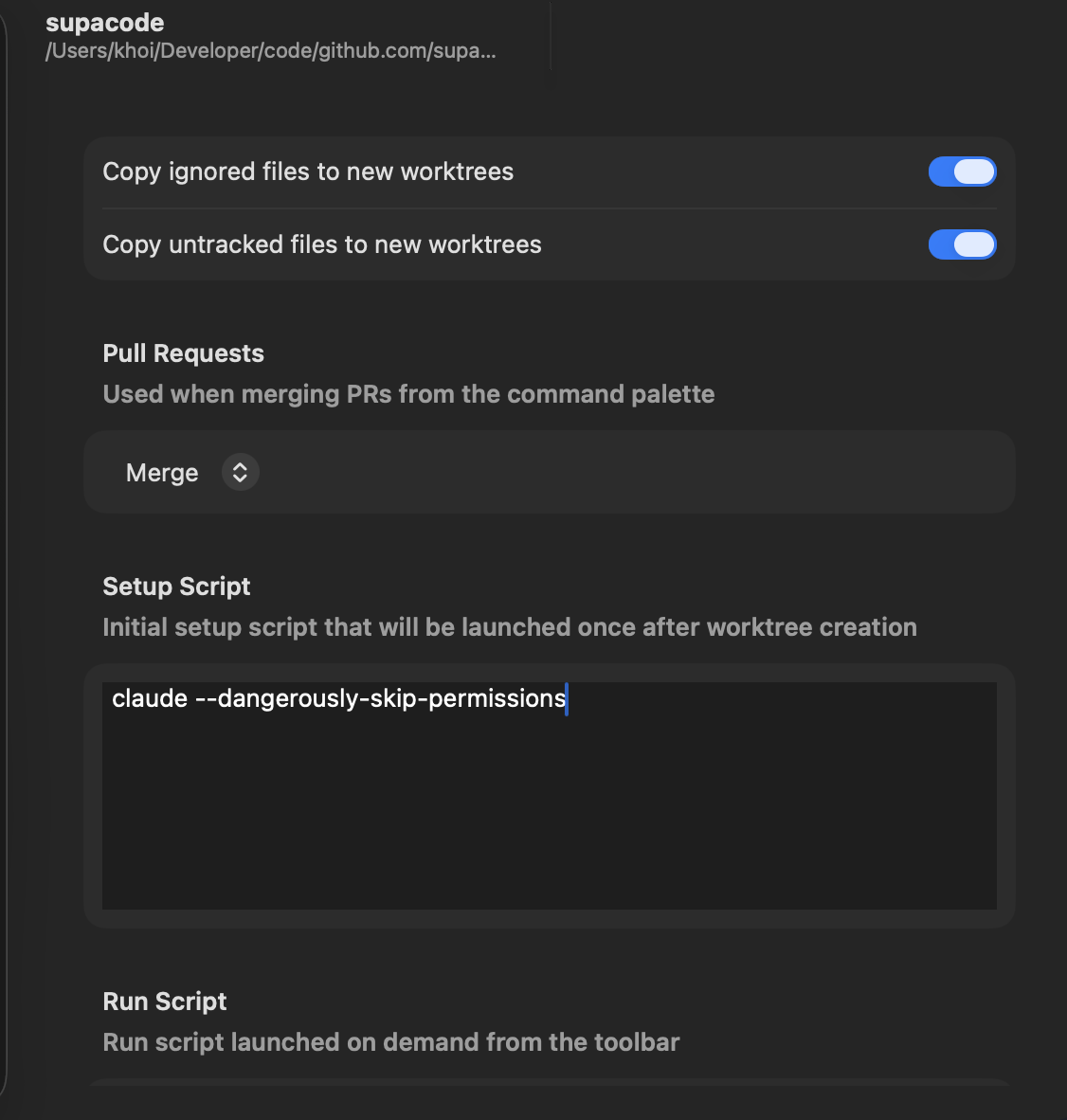
Supacode runs the setup script inside the new worktree's terminal context, so the output is visible immediately in the app.
Archive script
The archive script runs before a worktree is archived.
Good archive scripts:
- stop Docker Compose
- kill background processes
- remove temp files
- shut down local infrastructure that should not survive archive
Example:
docker compose downIf the archive script fails, the archive does not proceed.
Where this configuration lives
These values are repository settings.
- If a repository contains
supacode.jsonat its root, Supacode reads and writes them there - Otherwise, Supacode stores them under the
repositoriesmap in~/.supacode/settings.json
When to use which
Use the run script for repeatable on-demand commands.
Use the setup script for commands that should happen automatically after worktree creation.
Use the archive script for cleanup that should happen before hiding a worktree from the active list.